The one number you send back to Google Ads

 Plays from YouTube, which may set cookies.
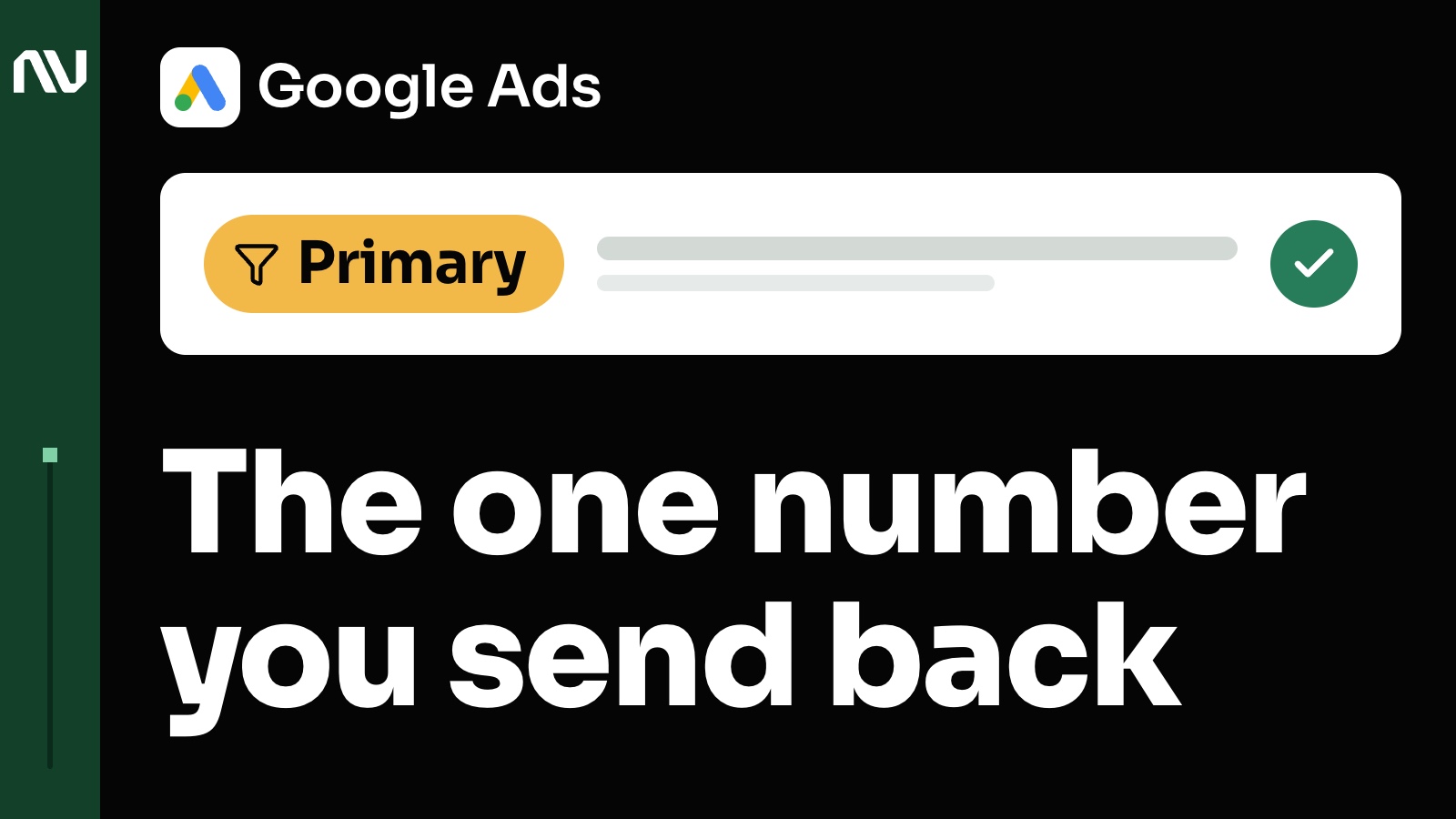
A business gets more leads every month. Then the sales team says the leads are getting worse, and the ads look fine on the screen. So what is the account learning from? The answer is the one number you send back to Google Ads: it decides who the account goes looking for.
Pick the one number you want more of, send the account only that, and make sure you trust it. What you mark as primary, in the goals your campaigns use, decides who your account learns to find.
The account chases the one number you mark as primary.
Google Ads bids on the conversions you mark as primary, in the goals your campaign uses. Secondary ones are for watching only. The Help page About primary and secondary conversion actions says it in 1 line: “These conversion actions are for observation only.”
So the question is which event you want it to chase. It’s the one number you want to optimize towards. If that’s qualified leads, make the qualifying criteria clear, send only the qualified leads, and mark that event as primary instead of optimizing for every lead that comes in.
If your goal is revenue, send the real revenue back. When you bid on value (Maximize conversion value or target ROAS), Google Ads uses the value you send with each sale, as About Maximize conversion value bidding describes. And if your numbers and the account’s numbers differ, which is common, you need to understand where the gap comes from.
A sales team can sort the calls before anything goes back.
When a business has a sales team, it usually has something that separates qualified inquiries from the rest: an IVR, an AI bot or a few pre-qualifying questions. One flow looks like this. A person calls, and after a second beep a voice greets them and asks a few qualifying questions. Depending on the answers, they’re connected with a manager, or the call is redirected based on the owner’s logic.
On a web form it can be an SMS verification at the end, so the person receives the information they asked for.
In the least automated case, somebody picks up the phone and decides right there if the caller is a qualified lead. It can go by the length of the call, by certain keywords, or by whatever parameters the business cares about. Whichever way you sort, the sorted result is what goes back to the account.

In one account, the share of top-value leads grew from 10% to 30%.
One account had a lead funnel coming from Google Ads. My team and I worked on how the events were recorded and what was sent to the ads account. After that, the share of leads with the highest value grew from 10% to 30%.
Same funnel. The share of leads the business wanted to optimize for grew quite noticeably.
The account finds more of whoever you send it.
When the account receives accurate optimization signals, it can tell the people you want apart from everyone else. That’s the whole mechanism.
In that example, my team and I stopped sending Google Ads the signals from form submitters only, the people with the lowest job value. Eventually their share started to drop.
An event the account never receives is one it can’t chase.
An event Google Ads never receives is one it can’t chase. An event it does receive steers bidding only when it is set as primary and sits in a goal the campaign uses; About conversion goals lists those 2 conditions. Leave a junk event out of those goals and bidding does not chase it. It can still show in your All conversions column. It just doesn’t steer the bids.
Now picture spam leads or bot leads that you count as legit form submissions. At a certain point the algorithm may get you more of them. That is the trap.
If those events stay out of the bidding goals, bot traffic can still spike. Bidding can’t optimize for events that are not in its goals, which is a huge benefit. And when the goals hold only the high-value leads, it can help you find more of them across all the placements your ads run on.
When the number is profit, measure it first.
First make sure you measure it properly. As you pass revenue to the ads account, you can also calculate the profit. In an e-commerce business the profit calculation is done on the feed level: you provide the cost of goods sold and other information, and then you can extract the profit from sales.
In Google Ads that means giving Merchant Center the cost of each product, and having your purchase tag send the cart items (the cart data page, the cost of goods sold page). Bidding on profit is a different step: Google Ads Help describes it as a beta, on a page dated 27 Aug 2024, so check your own account before you plan around it.
With no feed, you work it out from revenue, return on ad spend and numbers like those. The foundation is the same. You need a number you trust, and if that’s profit, you need profit in your account that you trust.
A trusted number pays back over a longer time.
One client had the biggest growth in their history. It was a long journey. A foundation like this pays out over a longer time range, and all of that growth happened within a year after the foundation was correct.
What to check this week.
- Your primary conversions. Open your conversion actions in Google Ads and list the ones marked primary. Is that the number you want more of?
- Junk events. Spam, bots, job applicants, support requests. If any of them count as primary, take them out of the goals your campaigns use.
- Value. If you bid on value, check that what you send with each sale is the real revenue.
- Profit. For profit, you need the cost of each product in Merchant Center and cart items in your purchase tag. Check your account for the profit goal before you promise it to anyone.
- Sending a later sale back. Keep the click ID from the ad click, upload the result within 90 days of the click, and set the conversion window on that conversion long enough to count it. With customer details instead of the click ID, the limit is 63 days (both limits: the offline import page; the customer details route: the enhanced conversions for leads page). Upload within 7 days of the event so it shows in attribution reports (the attribution reports page).
- The match with your books. Compare the primary conversion count with your CRM. Some gap is normal. Know why it is there.
Start with the number you want.
Pick the number you want, send the account only that, and make sure you trust it. If you want a second look at the number you send back, that is what our Data Audit is for.