8 Reasons Google Recommends Pairing Broad Match With Smart Bidding

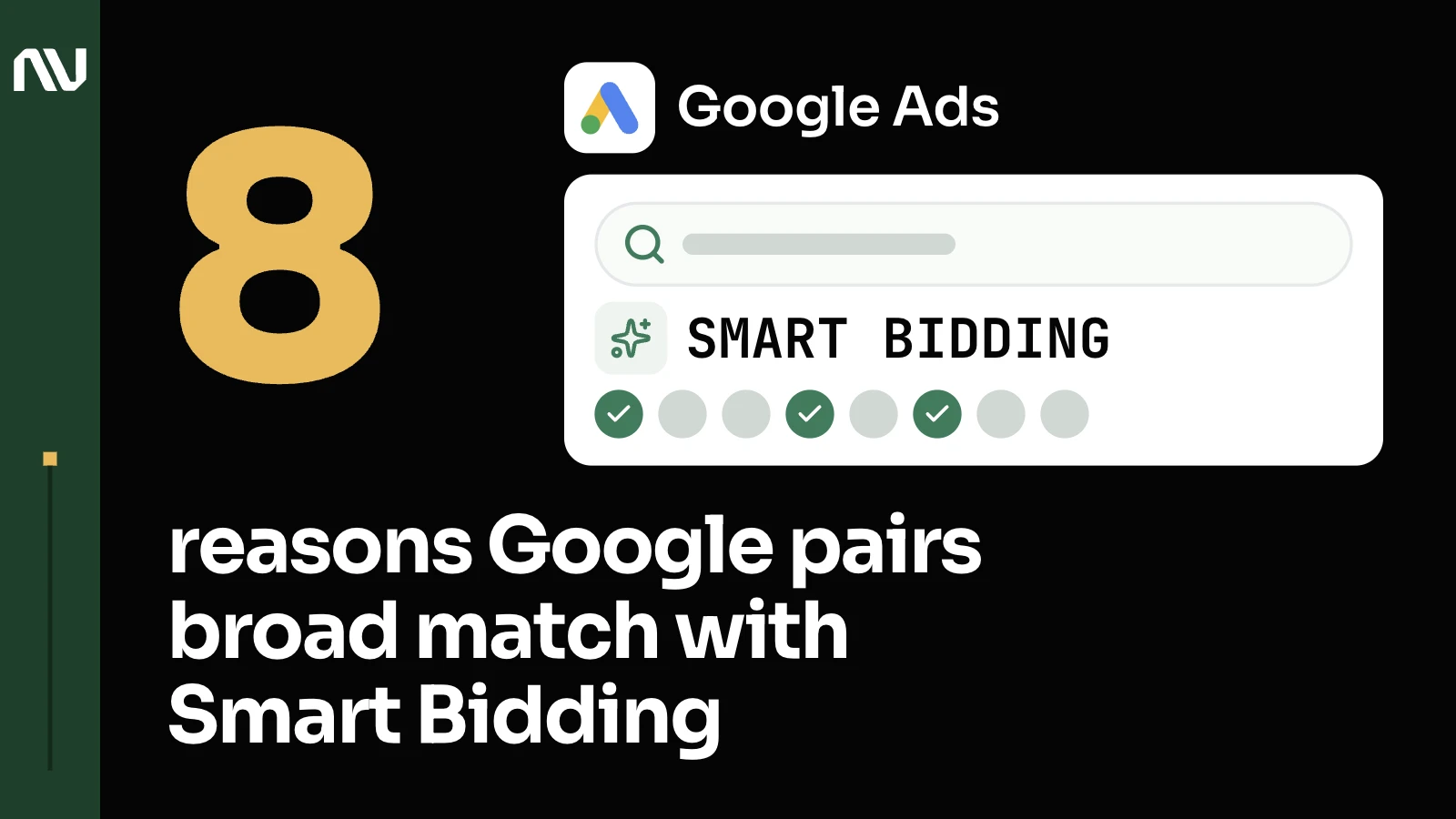
Google pairs broad match with Smart Bidding by design: the wider net only works when an algorithm can decide, auction by auction, which of it is worth the click. Here are the 8 reasons Google gives for that, and what we’ve seen it take to make each one true.
1. Google built broad match to run inside Smart Bidding.

Google is direct about this in its own broad match guidance: “Broad match keywords pair particularly well with Smart Bidding strategies, including Maximize conversions, Maximize conversion value, Target CPA, and Target ROAS.” The match types were correct for the most part. Those that generated the most marketing qualified leads use a variety of match types, which made sense when I looked at this. These are high level observations, because there are more keywords. We separated the most obvious ones that could be safely turned off right after the call and disregarded.
2. Every broad match query is different, so only an algorithm can price it at the moment it happens.

Google explains the mechanism on the same broad match guide: “every search query is different, and bids for each query should reflect the unique contextual signals present at auction-time.” That only works if the algorithm actually has signals worth pricing. We are passing this back to the platforms now as well and it’s definitely one of those things that we can do to increase the efficiency of the bidding algorithm. It’s one of the few things that we now have the first-party data and we’re already taking advantage of that.
3. Smart Bidding decides which of broad match’s extra auctions are worth competing in.

The same guide puts it plainly: with Smart Bidding, “you’re only competing in the right auctions, at the right bid, for the right user.” That judgment call is only as good as what counts as a win in the first place, which is the conversion data Smart Bidding actually needs. We are counting 30 seconds, which is not ideal. We will be counting 90 seconds. Specifically for call extensions, there were so many irrelevant requests that I maybe even want to exclude everything. There were just two calls that lasted less than two minutes. Considering the number of calls coming from call extensions, I think we will be fine if we limit it for now. And then if we will be constrained by volume, we will adjust it a little bit. I’m going to make a note regarding the changes in the primary conversions here. I wanted to ask you to create a note for the date when we switched primary conversions settings.
4. Pairing them ends the old habit of splitting keywords into match types just to stay in control.

Google says the payoff directly: “When you pair Smart Bidding with broad match, there’s no need to segment by match type to boost optimization.” Before that could be trusted, the account structure itself was the only lever we had. I was thinking to run them simultaneously, and I wanted to have some time for the new campaign to gain some traction. But since we will just copy and paste from the original one, we don’t need to wait. We need to avoid using different ad group structure, different keywords, different ads within this campaign. They should be identical. They should be similar.
5. Broad match lets the algorithm learn faster and reach searches a tighter match type would never see.

In Google’s words, broad match keywords “allow the algorithms to learn faster and find additional auctions that can help you reach your growth objectives.” Judging that new reach too soon is its own mistake, one we’ve written about separately. We have an evergreen campaign. The purpose of running all of these campaigns is to find evergreen terms that can have their own budget where the quality score and other parameters could be tracked separately from everything else. The main idea behind testing and experimentation is exactly that. To find the ones that will convert.
6. Google’s own numbers back it, though they’re dated.

Google has published a figure for this: “advertisers that change their phrase keywords to broad match can see ~25% more conversions (in Target CPA campaigns) and ~12% more conversion value (in Target ROAS campaigns) while meeting targets” (Source: Google internal data, 2020). A number from 2020 says nothing about your account until you check it the same way we check everything else. The locations, that was also an interesting thing. You have a few locations that get decent volume of people but just doesn’t convert. And they just didn’t generate anything. Maybe there are reasons behind that. Maybe they will require their separate campaign for example. But these are just some of the low hanging fruits that could be addressed. Excluding them from the main campaign will save money and prioritized locations that actually generated some business, some leads.
7. Google itself recommends running broad match only with Smart Bidding.

Google is blunt about the exception on the same page: “While broad match recommendations can be applied to campaigns with manual bidding strategies, for optimal performance, we strongly recommend only using these with campaigns using Smart Bidding strategies.” That’s the same gap that makes Smart Bidding beat manual bidding in the first place, and Maximize Clicks doesn’t close it either: Smart Bidding means optimizing for conversions or conversion value, and Maximize Clicks optimizes for clicks. I changed the bidding strategy, and I also removed the bid cap. There was a bid cap. It wasn’t spending the budget for a while, so I decided to remove the cap. I checked the search terms and I realized that for the maximize clicks strategy that we’re using, the relevancy of the keywords was lower than I expected. I changed the match types first. I changed them to phrase. I’m still not fully satisfied with the quality of traffic that I saw specifically for this bidding strategy. So what I’m thinking now is to change the match type again to exact, and also add another keyword that we didn’t use in the exact match for this campaign, which will be exactly matching the headline on the new landing page. I may actually do it now to make it a little bit faster, but I’m checking the performance on a daily basis. I see that we are not doing very well.
8. None of it works if nobody is reading the search terms report.

Google says as much on its broad match guide: the search terms report and negative keyword lists are there to “find out how to optimize your keywords, build out negative keywords, and discover how well your campaign keywords are performing overall.” It’s the same discipline behind keeping a high CPA from creeping back once negatives are in place. Every day when you’re reviewing CallRail and you are seeing conversions that are recorded in the system, you can go back to Google Ads. For example, you see that there was a lead that came from Google Ads yesterday. You can use that to review it in analytics too, because this call conversion is definitely tracked there. You look at the call event, you look at the date, the date of the phone call, and the time, and you can see the actual search term that triggered this call. You will see the exact search term that triggered that specific conversion.
Make Smart Bidding worth trusting before you widen the net

See how we set up Google Ads accounts to make Smart Bidding worth trusting, or get in touch about the one you’re already running.