AI Max This Autumn: 3 Google Changes, and Why Your Conversion Data Now Decides the Result


Google spent September pushing more Search advertising into AI Max. Older campaigns are being moved over without anyone choosing it, new ones start with it switched on, and on Wed 23 Sep Google announced 2 more pieces of this AI Max update: AI Brief in 7 more languages, still a closed beta, and a new report for the Search ads journey that is not live yet. If your business lives on calls and form leads, the question is what AI Max will do with the signals your account sends it.
We expect AI Max to make good measurement more valuable and bad measurement more expensive. Check your primary conversions before you judge it.
1. Campaigns with automatically created assets or campaign-level broad match are being moved into AI Max from September 2026.
Google’s text customization page says it plainly: “starting in September 2026, campaigns using text customization, formerly known as automatically created assets, will automatically be upgraded to AI Max.” Google’s upgrade note adds broad match: “campaigns using Automatically Created Assets (ACA) and campaign-level broad match setting will continue to be auto-upgraded starting in September 2026.” Dynamic Search Ads follow, from February 2027.
New campaigns go the same way. Google’s setup page: “New Search campaigns have the AI Max feature turned on by default.” And once AI Max is on in a campaign, the same page says “The ‘Text customization’ setting will be enabled by default” and “The ‘Final URL expansion’ setting will be enabled by default.” So your ad text and your landing page can now change without a new sign-off.
We covered how AI Max itself works in 4 reasons Google wants you on AI Max for Search. This post is about what changed since, and what to do with it.
2. AI Brief, still a closed beta, lets you describe your business to AI Max in plain words, now in 7 more languages.
From Google’s announcement of Wed 23 Sep 2026: “we’re bringing the closed beta of AI Brief to more languages: Dutch, French, German, Italian, Japanese, Portuguese, and Spanish. AI Brief lets you guide AI Max in your own words with detailed context on your business, audience, and key messaging.”
It is still a closed beta.
3. A new report will show the full Search ads journey: search term, asset, landing page.
Same announcement: the report will show “a single, unified view of the Search ads journey”, making it easy to see “what search terms triggered your ads, which creative assets the user saw, and exactly where they landed on your website.” Google says: “We’ll share additional details and availability later this year.” It is announced. It is not live yet.

When it arrives, it answers a key question on any AI Max campaign: where did the click go? On one account we run, final URL expansion sent most clicks of one campaign to pages other than the landing page we set. We checked every page it picked and excluded the few that drew many clicks but almost no conversions.
What this means for businesses that sell by phone or by lead form.
We expect the gap between winning and losing accounts to widen. In mature accounts that had proper measurement in place, broader targeting will help them get more reach and appear in more searches across Google’s AI ecosystem. Accounts that were already working worse than they used to will start working even worse. These are the accounts with improper tracking.
Entering the auction without the proper signals sent back to the algorithm will lead to a lot of junk, irrelevant clicks. These businesses will very likely pay more to get a new customer or a new lead. Returns will start dropping, and the quality of the leads and the value of sales will start to decline.
For lead businesses the risk is what counts as a lead. If anyone who triggers the phone is counted, regardless of the time they spend on it, or anyone who submits a form, then job applicants, vendors, existing customers and support requests all count as leads. Junk calls look like this: people looking for a job, people from outside the service area, people asking about things the business doesn’t offer. If you add budget on top of that, results deteriorate, and very fast.
If the number you see in the account is not trustworthy, then whatever the account is doing is not trustworthy either. We expect AI Max to make that bigger.
Running AI Max next to the old setup, we watch 2 things. First, an AI Max copy of a campaign needs its own goals checked: one copy in an account we run was optimizing toward the account-default conversion goals, while the original counted only website purchases, so the 2 could not be compared on conversions at all. Second, on a small test budget with thin conversion data, a target CPA means little, so on one test we ran Maximize Conversions with no target, with brand excluded and the old campaigns left running.
What to check this month.
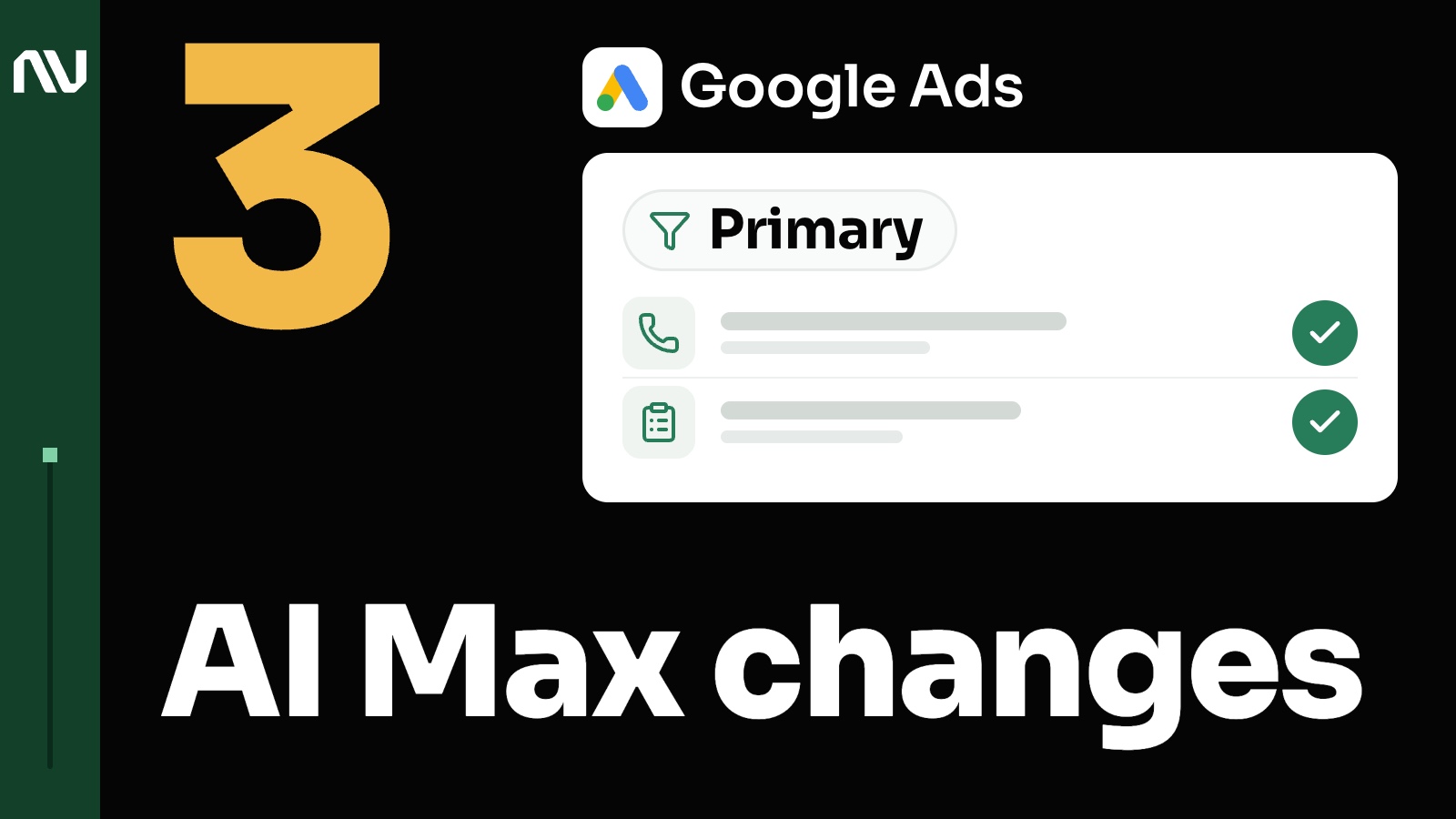
- Your primary conversions. Go to Goals, then Conversions, then Summary, and filter to show only primary actions. See what signals you teach the system to optimize towards. Keep the things you want more of. Take out the things you don’t.
- Value on the wrong events. If you add value to events that are not purchase related, like visiting a checkout step or signing up, you may be inflating your numbers.
- The match with your books. Compare the primary conversion count in Google Ads with your source of truth: your CRM, your books, or your commerce platform. Some gap is normal. Click date versus conversion date moves numbers between days. If there is a gap, make sure you understand why. More in 5 fixes when Google Ads conversions don’t match your CRM.
- Which campaigns are now AI Max. In the campaign list, filter by the AI Max setting or add it as a column, then open each AI Max campaign and decide on text customization and final URL expansion yourself. Check the goals each AI Max campaign actually bids on.
- Where you test. Turn AI Max on first in a lower-risk campaign, not in the evergreen ones that are too important to mess up.
- Brand. Keep brand in its own campaign, and add your brand as a brand exclusion in each AI Max campaign, so brand searches do not make AI Max look better than it is.
Start with the conversion settings.
Check what you have set as a primary conversion. If you want a second look at your tracking and primary conversions before AI Max spends more on them, that is what our Data Audit is for.