5 Ways to Close the Embarrassing Google Ads vs CRM Gap, Without Starting Over

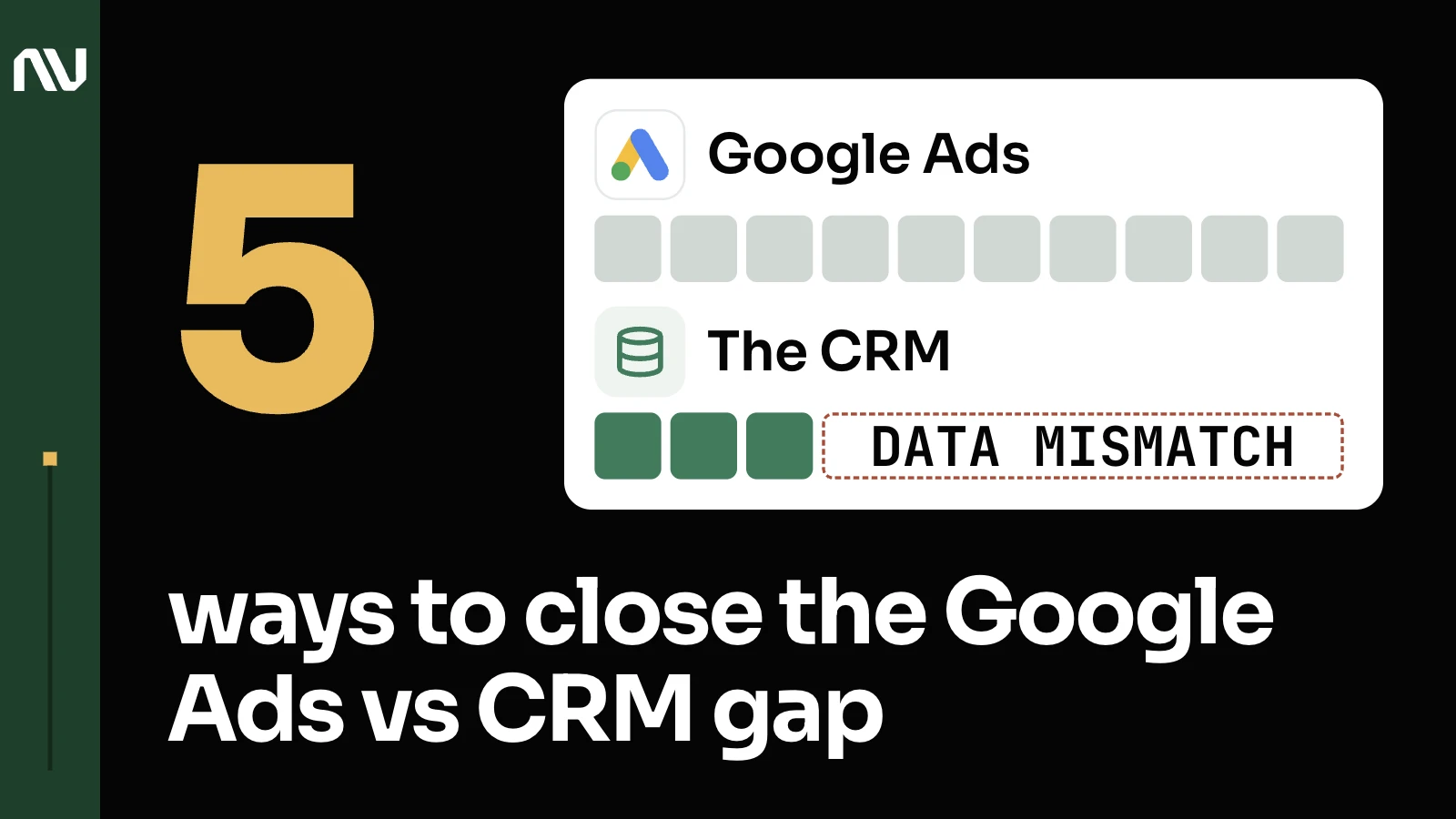
Google Ads conversions don’t match your CRM because they’re built to count different things in different ways, and each gap below has a specific fix that doesn’t mean starting over.
These platforms use various attribution settings and models, and they won’t match. Requesting them to match is a request that cannot be fulfilled.
Another misconception along the same lines: people may think they have data, they have tracking, they have conversion tracking, but they don’t realize what it is, what they bought. They think if there are hits on the conversion tab, maybe something labeled form submission or a lead, and every so often it shows a number. Say once a week it shows one, meaning there was one form submission that week. This is not conversion tracking. In my experience, I never met one client, and I’m being serious, not even one, where their conversion tracking was perfect.
1. Google Ads credits a click your CRM never recorded as the reason for the sale.

Google Ads runs on 2 attribution models now, data-driven and last click: every other model was retired and upgraded automatically. (Data-driven attribution brings its own complications, separate from this one.)
We will help you piece various things together. We will provide you explanations of why this is done in a certain way, instead of trying to approach these various platforms and make them do something that they are not intended to do necessarily, we are here really to help you translate these various requests into technical specifications and platforms and ways to execute these requests.
2. Google Ads stops counting a lead 30 days after the click while your CRM keeps the deal open for months.

The default click-through conversion window is 30 days, though Google lets you set it anywhere from 1 to 90 depending on the source, with at least 7 recommended. (That’s short for anything with a real sales cycle, the way enrollment often works for online schools.)
It’s also important to have data driven insights, which means you can predict the sales, see the trend, compare it with the previous year, compare it with other sources, compare it with some external information. And it should happen very quickly, not like it takes a week to understand a simple question. So we implemented that, we made sure that we can attribute the delayed effect of leads that we generated. We apply some calculations on the average sales, like close rate, and make data backed projections.
3. A sale your CRM closed last week never reaches Google Ads if the click happened more than 90 days ago.

Offline conversions uploaded more than 90 days after the click won’t be imported into Google Ads, and a new conversion action needs its own runway too: wait 4 to 6 hours before uploading anything, or it can take 2 days to show.
If there is a database or a CRM system where this information is stored, we can programmatically, on the lead level, on a conversion level, also retroactively assign revenue to that. That would be a huge advantage in the setup.
4. Google Ads counts a lead as the conversion while your CRM only counts the sale.

Google Ads splits conversion actions into primary and secondary: primary actions land in the Conversions column and feed bidding, while secondary actions land in All conversions, for observation only.
Initially, we can make a qualified lead, a sales qualified lead conversion, or we can make just a lead, a conversion, just to feed the system with relevant data. As the project matures and we acquire more data, we can switch it to sales.
5. A call your CRM logs as a sale has no click ID for Google Ads to match it to.

A Google Click ID is a URL parameter passed with ad clicks, tying that click back to the campaign it came from.
Call tracking allows you to use dedicated phone numbers in call extensions: when you go to search, you see an ad, and there’s a small area with a phone number. If the software allows you to assign dedicated numbers for spots that do not generate a click ID, which is generated when people navigate to the website, when they click on an ad, the click ID is generated because they clicked, and then the call information or other event information is matched with web events, and reported back to the ad platforms.
Close the gap by adding one reconciliation layer on top of what you have.

We automatically collect all of the ad spending from all of the sources. We join it with revenue information from the CRM system, and we build an end-to-end insight report that clearly shows the current performance per campaign, per source, how it compares with the targets. It’s very convenient. Anyone on the team can use it, and it’s a useful tool that is part of the methodology. (That reconciliation habit is a layer on top of what you already have.)
There are 3 things, in very simple terms, that need to happen for Google Ads or any marketing platform to work: conversion tracking, proper account structure and communication strategy in the ads and on the landing pages. Conversion tracking is the foundation. Without that, without passing this information back, it’s going to be much more challenging.
We have a car, we see a lot of fuel, and let’s say that fuel is the advertising budget. You’re excited about the trip, you want to go from New York to Austin, and you jump in and drive.
So the tracking, your destination, your end goal, is the GPS. You can still drive, put on the pedals, turn the wheel, and burn the fuel, but are you moving in the right direction? Are you closer to your destination? Probably, maybe. But maybe not. Very likely not. Without knowing where to turn and where you need to go, it’s very hard to get there.
You already have the car and the fuel: the ad spend, the CRM, the sales team closing deals. See how the 5 fixes above stack into one conversion-tracking setup, or if you’d rather talk it through first, get in touch.