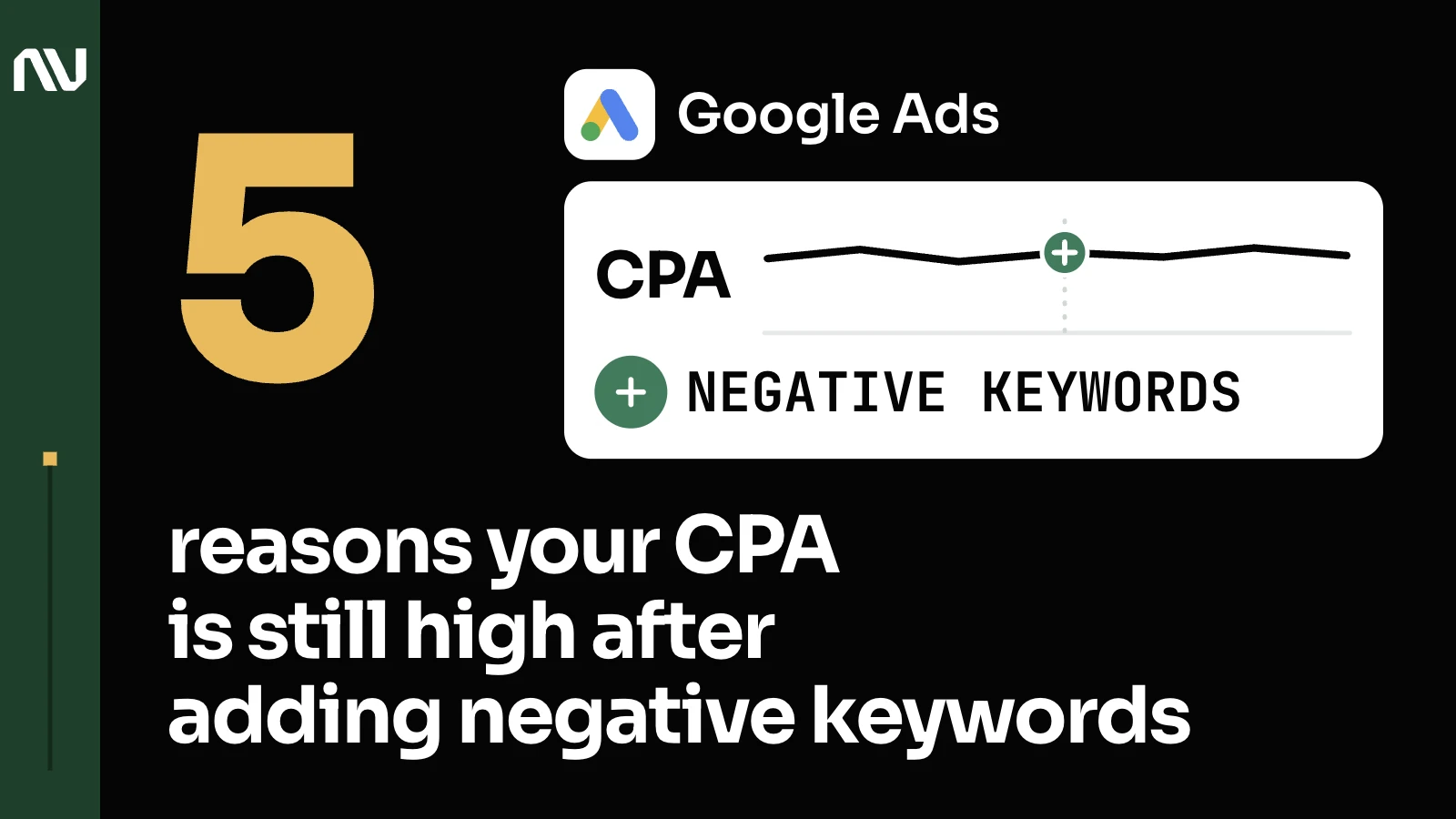
5 Reasons Your Google Ads CPA Is Still High, Even After Adding Negative Keywords

There should be just one variable, not two, not three, just one. And if you’re trying to optimize for CPA, that’s fine. If you’re trying to optimize for conversion rate, also fine. But make sure that there is a variable.
Negative keywords stop the wrong clicks from happening. They don’t touch what happens after the right clicks land, or the target you set. CPA stays high until those get fixed too.
1. Your negative list still lets close variants and unclassified word-level waste through.

Google’s own help center puts it plainly: “negative keywords don’t match to close variants, so your ad might still show on searches or pages that contain close variations of your negative keyword terms.” That gap is exactly where word-level waste hides, a few dollars at a time, across search terms that never individually look wasteful enough to cut.
So for example, certain keywords or certain search terms, they can be obviously irrelevant, some of them, but others they can be very close in terms of meaning. And until they got enough traffic, enough clicks, I usually don’t exclude them.
It’s obvious that this is something irrelevant. This is obviously irrelevant, something irrelevant for what we’re offering. You don’t need to wait, you don’t need to collect a lot of data to decide if this is something that you want to keep or exclude. Something that is relevant to what we’re offering and it’s semantically relevant again to the main offer there. We need to collect data and decide after we get enough visits, enough clicks if we want to turn them off.
2. Your Target CPA reacts to auction competition, not your negative keyword list.

Google warns the opposite move can backfire too: “setting a target that’s too low, for example, may cause you to forgo clicks that could result in conversions, resulting in fewer total conversions.” A cap that’s too tight or too loose moves your numbers more than any keyword exclusion will.
One of the drawbacks of removing the CPA cap is unpredictable performance a lot of the times. Unpredictable in a sense that we may pay extremely high cost per click sometimes. If the campaign will not get any traction after we did that change, then I think we will need to revisit that and remove the cap for a while.
I think there are two reasons. One is the ad change and the second is our bid compared to the auction. A lot of the times this is happening when the competition in the auction is increasing and we are just bidding too low.
3. You’re telling Smart Bidding to optimize toward the wrong conversion.

Google draws a hard line here: primary conversion actions are the ones “used for bidding,” secondary ones are “for observation only.” Count a raw click or a form fill instead of a real lead and you get the same mismatch behind Google Ads numbers that don’t match your CRM.
Now with the tracking capabilities that are available with these platforms, we are able to pass whatever we want as conversions. The best way to instruct these systems, these bidding algorithms, is by providing them with the most important events.
It’s mostly on our side, we are driving the traffic and on the surface level we are qualifying traffic based on search terms. So it’s a surface level qualification. And then when the lead contacts the organization, they share more information about their situation. And from marketing qualified it goes down to sales qualified or non sales qualified.
4. Your landing page is losing the clicks negatives correctly let through.

Google defines landing page experience as “how relevant and useful your landing page is to people who click your ad,” a separate variable from which searches you let through in the first place. It’s also where ad relevance and quality score show up, if you want to look wider than this one variable.
My goal now is to try to get as many qualified clicks as possible. My hypothesis now is that since we changed the bidding strategy and since we changed the landing page, we need to get more relevant clicks. Relevant clicks meaning as close to the landing page description as possible. I also think that it affects the conversions.
Maybe we can experiment with a different landing page. Let’s look at those that make the most sense from a semantic standpoint and create some separate assets for them.
5. The offer isn’t strong enough to convert qualified traffic.

No keyword list operation touches this variable at all.
One of the most common reasons why ads don’t necessarily work, especially after budget increases, is because the offer, the value that is being promised, is not clear. It could be a blog post or a dedicated page that can very directly address that triggering event or a pain point that people are experiencing, that can usually yield better results than a general approach.
What to check before you touch the keyword list again

Work through the other 4 in order.
That’s the idea. That’s the process.
A proper audit checks all 5, this one included. See how we manage Google Ads accounts, or reach out and we’ll go through your account together.