5 Ways to Track Google Ads Phone Calls, With or Without Call Tracking Software

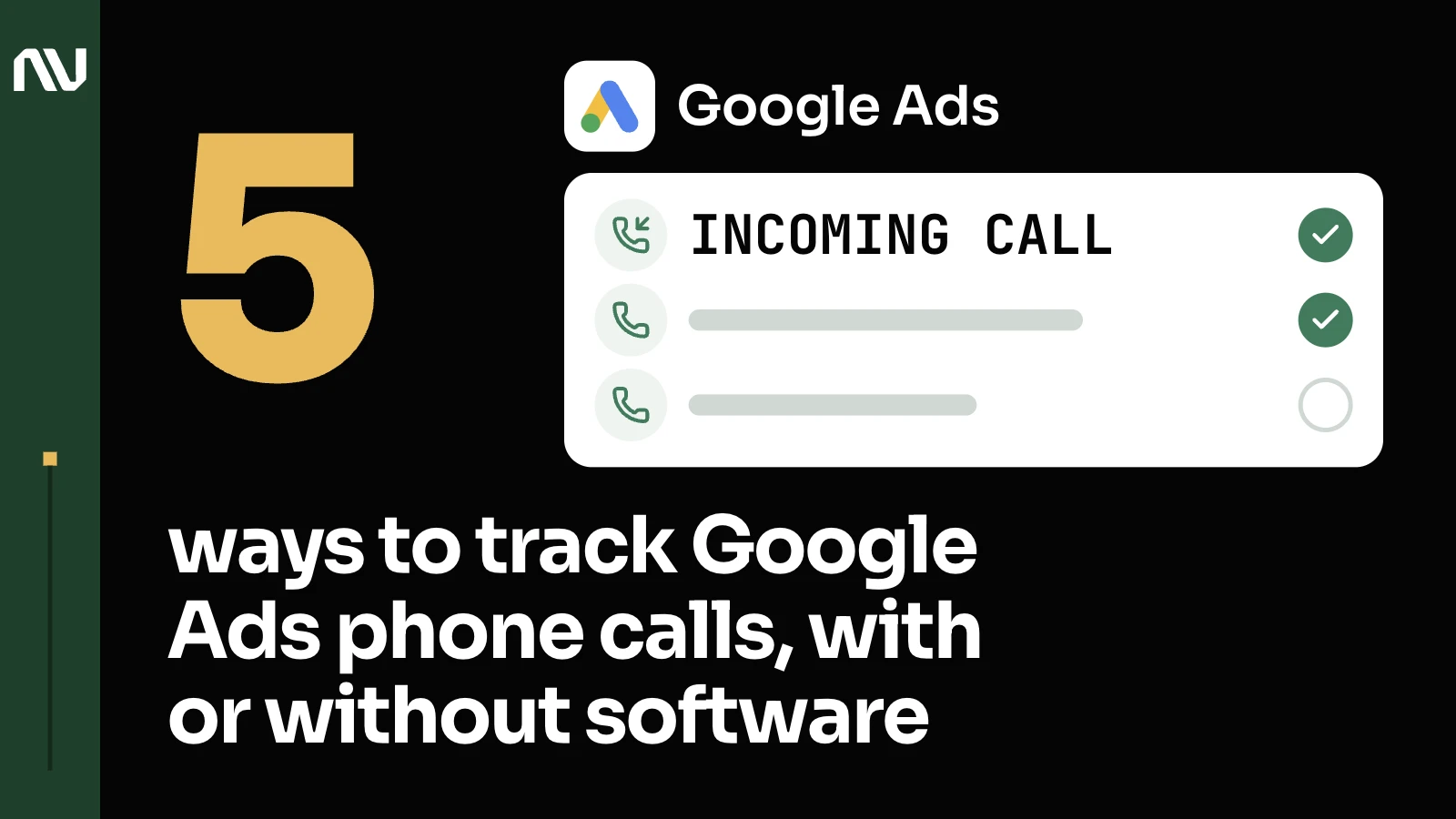
Google Ads can already see most of your calls for free the moment you turn on call reporting; you only need dedicated call tracking software once you’re routing multiple numbers, multiple locations, or matching calls back to your CRM.
1. A Google forwarding number tracks the call automatically, on your ad or your site, at no cost.

Turn on call reporting and a call-only ad or a call asset already reports the call: Google’s AI analyzes the recording, or counts calls past a minimum duration you set (support.google.com/google-ads/answer/6095882). A Google forwarding number is the normal mechanism here too: “if you turn off call reporting, or in the rare event a Google forwarding number isn’t available, conversions will be classified based on ad interaction data” instead (same page).
On your website, the same forwarding number does the job: Google can “use dynamically-generated Google forwarding numbers that replace your business number on your site, without any cost to you” (support.google.com/google-ads/answer/6095883).
2. A click on a call button counts when Google can’t confirm a connected call happened.

2 of Google’s 5 tracking types are proxy signals, not verified calls. Someone taps a phone number on your mobile site, and Google logs the click; whether a call actually happened after that, it can’t confirm (support.google.com/google-ads/answer/6100664). Or someone clicks a call ad or call asset with no forwarding number attached, and “a click on call ad or asset counts as a conversion based on Google’s estimation of whether a meaningful phone call occurred after a person clicked your ad.” Useful where a forwarding number isn’t available. Weaker data.
So, say we’re looking for the best plumber near me: just for illustration purposes, this is a search that’s very familiar, a thing that we all know. We see a map, and here we have Google My Business placements, and the very first one here is sponsored, coming from sponsored placements. When we click here, for example, and decide to call from this number, what we will see in CallRail and in other internal records is going to be Google My Business. But what is Google My Business? It’s just a reference to a phone number. So we just know that the person called from this number, but what originated this call, we don’t know. It can be totally organic, or it can be paid.
We’re already doing much more than we did before: we can distinguish between just Google and specifically this placement, Google My Business. But unfortunately we can’t tell for sure if this originates from Google Ads, also because if we’re calling from this placement here, Google does not generate a click ID. Click ID is generated when someone is clicking through to the website. So we have all of this information, and if we’re calling from here, we’re just using the tracking number, and Google does not generate a click ID. So this is the best we can measure that. This is just to say that there are very likely at least 2 sources that are influencing this traffic, these leads that are coming from Google My Business, paid and organic.
3. Call tracking software earns its cost once you need a different number per visitor, location, or channel.

Google’s free version caps out fast: “only one number can be tracked on a single page using the default Javascript tag” (support.google.com/google-ads/answer/6095883).
There is no penalty for using one number across different locations. There’s no impact, for example, on the organic traffic whatsoever if you do that. There are no rules that require advertisers or businesses to use separate numbers for various locations. Businesses, for example, we work with most of them, they use CallRail, and CallRail uses dynamic numbers. They are different by default. There is no penalty whatsoever for using one number. It should substantially reduce the bill, since various numbers also cost money.
That’s dynamic number insertion: a different number per visitor or per session, so every call carries its own source, keyword, and campaign detail, and can sync straight back into Google Ads and a CRM. So the phone numbers you are seeing around now on a website like that are forwarding numbers from the website pool. There are these tracking numbers that just dynamically appear on the website that then help us decide and see what source led to that click or conversion or purchase.
As of now, the SMS side of that is already set up and it works, but it only works for local numbers, not for toll free. Why only toll free? Because this is the platform limitation. Why only local? Because it’s a platform limitation.
There are solutions for any setup that you have in mind. Having fewer numbers will help reduce the costs. Using this tool, CallRail solves the visibility problem, the tracking problem: you see the sources of calls, you see the traffic sources, and then this tool can talk to Google and report conversions, the calls that generated the sale, for example. But the more of these tools and the more numbers that you use, the bigger the bill is going to be on both platforms.
In the accounts we manage, that’s the setup behind a US services group: call tracking plus basic event tracking, nothing more. This is the setup that makes sense once you’re running high-ticket lead gen with call tracking at the center of it. A single-location business with one line ringing rarely needs to go this far.
4. A minimum call length or a keyword inside the conversation decides which calls are worth telling Google about.

So there is this thing in the integration trigger section. I can create a trigger. I already created it: pass to Google Ads only the calls over a certain length, greater than 120 seconds, not every call regardless of whether it’s a first-time caller or anything else. There were a lot of irrelevant calls: people asking for jobs, people asking about random things. It’s a distraction. Nobody is getting anything of value from that. I applied this change, so the quality of the calls should change.
There’s a section for automation rules, and a way to automatically qualify leads. For qualification, we can set up rule parameters: if there are certain keywords within the call, like appointment, schedule, consultation, service, pricing, quote, estimate, cost, purchase, it will automatically apply a qualification to that conversation. There’s a dedicated column for that, separate from tags, and I want us to use that instead.
5. Whatever logged the call, importing it is the only way Google learns it became a sale.

Google’s own setup path: “set up a conversion action in Google Ads,” then “separately, keep track of your sales calls,” then “upload a file containing this information” (support.google.com/google-ads/answer/6301373), no more than 25,000 rows, inside a window of up to 90 days (support.google.com/google-ads/answer/7545087). A spreadsheet works as well as software here, the same discipline behind why every business with a sales team needs offline conversion tracking.
One distinction worth getting right: a call-only ad tracks call reporting “on mobile” only, but a call extension or call asset tracks it “on mobile and desktop.” Get that backwards and you undercount half your desktop calls.
The most important thing really is once you assess all of these things, is then how you will use these things in passing the information back to Google Ads. All of these steps, to assess the quality, to understand all of these things, really boils down to that step right here: the integration trigger. When you analyze and see that these things are really driving us value, this length of calls, for example, determines the quality of interaction and the other one doesn’t, then we are just making this simple single step right here that we treat as a conversion. Anything that lasts 120 seconds, nothing else. Or, at some point when we realize that the automation is working properly, only qualified leads are transferred, regardless of the fact if the call is 60 seconds, the same principle behind offline conversion tracking for long sales cycles.
What to check before you spend anything on software

Start with what’s free: call reporting on, the forwarding number live. A sales team that needs every call matched back to a CRM record, or multiple locations to juggle, is when software earns what it costs.
See what your own call tracking is actually capturing, or reach out.